Managed IT Services for Kawartha Lakes Businesses
Your computers kept updated, protected and backed up, with a local person to call when something goes wrong.

Who It’s For
Built for small offices without an IT person
Most of the businesses we support are clinics, shops and small offices with no one on staff to handle IT. Calling someone only when things break has become expensive and unpredictable. Managed IT replaces that with ongoing care for a set monthly price.

Why Reliable IT Matters to Your Business
Technology should be reliable, secure, and out of your way.

Proactive Support
Problems are caught and fixed before they disrupt your team, so work keeps moving.

Stronger Security
Regular updates, layered protection and sensible settings reduce the risk of cyber attacks and data loss.

Predictable IT Costs
A fixed monthly price replaces surprise repair bills, so IT is easy to budget for.

Business Focus
With IT looked after, your staff stay focused on customers and the business, not on troubleshooting computers.

What’s Included

Prevention, fast support and strong security, keeping your business protected and productive every day.
Proactive Monitoring

Every computer is monitored for problems, and Windows, Mac and software updates are installed on a schedule. Issues are fixed before they turn into a bad day.
Remote Support
Reach us by email, phone or the support portal, and most issues are fixed remotely without anyone leaving their desk. On-site support is available when needed.

Cyber Security Protection
Business-grade antivirus and threat detection on every computer, plus controls that stop software being installed without approval.

Microsoft 365

Accounts, email, Teams, OneDrive and licences set up and managed, including email and apps on staff phones. New staff are ready on day one.
Cloud Backup

Your Microsoft 365 email and files are backed up separately from Microsoft, so a deleted folder can be restored, typically from a year or more back.
Hardware Setup
Business-grade computers recommended, ordered and set up, so they arrive secured and ready to work.
Plus documentation of your setup, vendor coordination on your behalf, and a yearly review of what to plan and budget for.
Beyond Day-to-Day Support
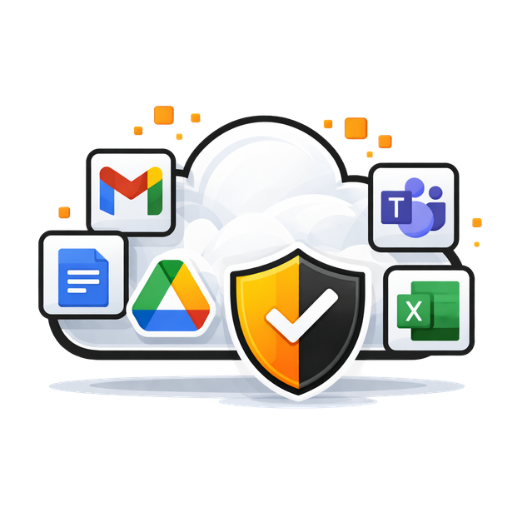
Because we already know your setup, we're the natural people to help when something bigger comes along. From a move to Microsoft 365 to a new office, it's planned and handled by someone who knows how your business runs.
Moving to Microsoft 365
Moving your email and files from an old provider, Google, or a shared computer to Microsoft 365, planned so your team doesn't lose a day's work.

Replacement Planning
We track the age and health of your computers and flag replacements ahead of time, so you can budget for them instead of scrambling when one fails.

Planning and Projects
New office, new staff or new software? We help plan it, set it up and get it right the first time, and review your technology with you once a year.

Documentation and Vendors
Your setup is documented, and we deal with your software vendors and internet provider on your behalf.
How Support Works
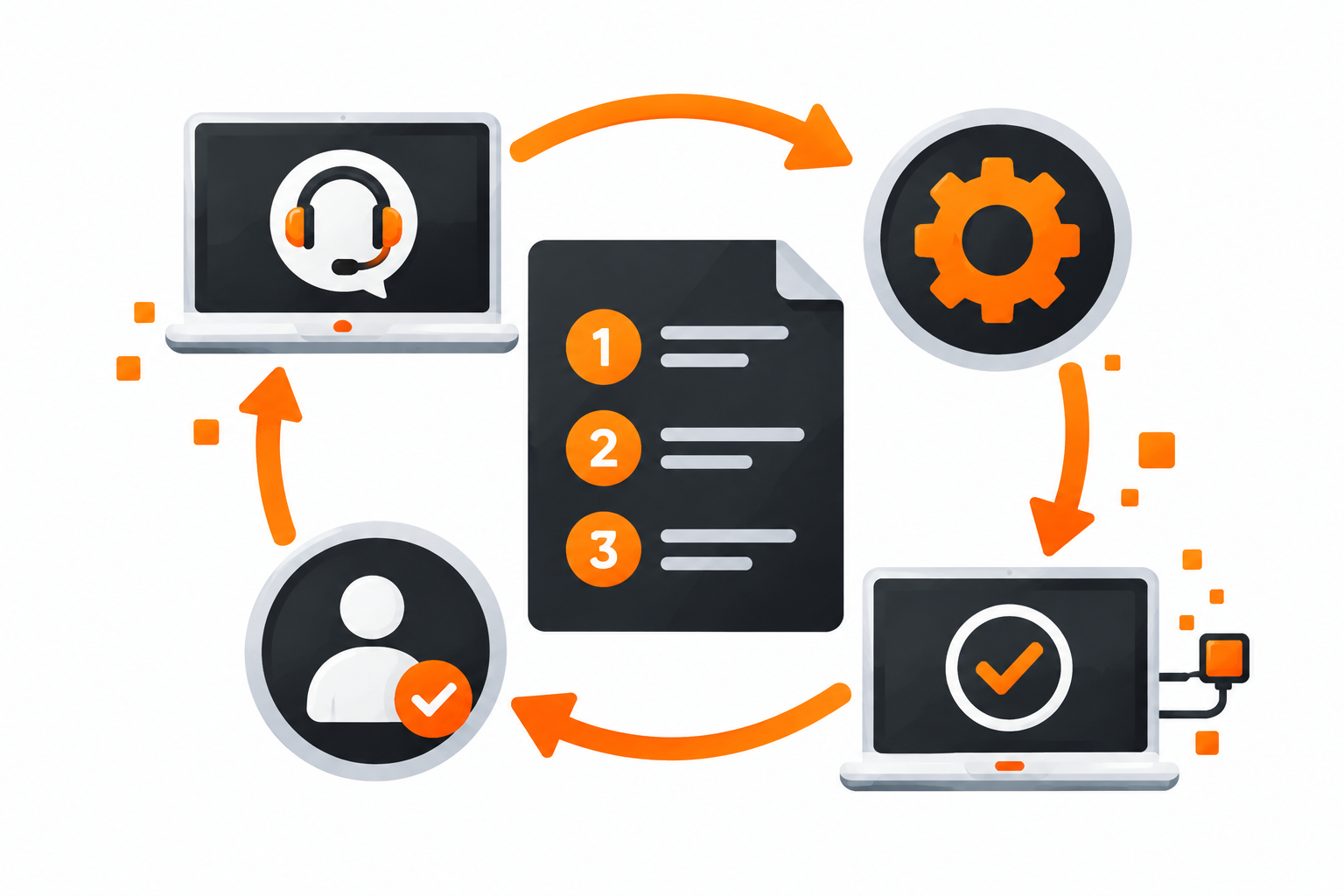
McFarland IT Solutions is owner-operated. You won't be passed between technicians, because the person handling your request is the one who set up your systems.
Your computers are monitored automatically, and problems are flagged to us as they happen. We're based in Lindsay, so when something needs hands-on work, help is nearby. Clients also get the TotalCare Support Centre, with step-by-step guides and a place to log a request whenever it suits them.
“Technology is no longer a burden — it simply works, letting us focus on our business.”
- Lindsay Chiropractic and Wellness
★★★★★ Rated 5.0 on Google Reviews